Through Case Finder |

|

|
|
Through Case Finder |
|
|
Through Case Finder |
|
|
|
Through Case Finder |
|
|
Usage:
You may add metal to the case without opening the case by selecting it in Case Finder form.
Navigation: Open case Finder form by navigating to:
➢Case Finder icon in Main menu
➢or View > Case Finder ,
➢or just simply click F7
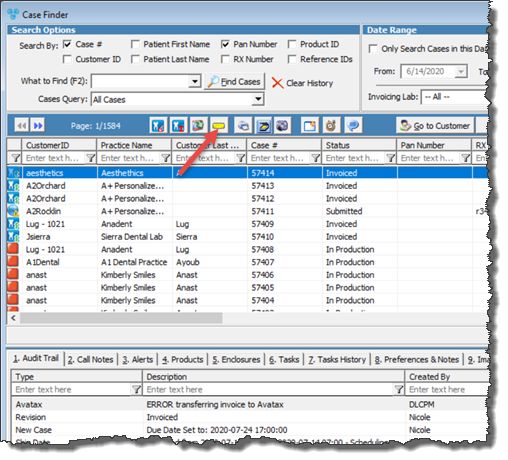
Add Metal option in Case Finder form
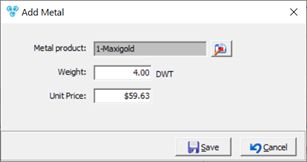
1.Find the case. For more details of how to search for a case in Case Finder form please read this topic. 2.Right click on the selected case. 3.Click on
Add Metal 4.Click on 5.Enter Weight and Unit Price Note :If the case is already invoiced, you are allowed to enter the weight with $0 price. If the case is not invoiced, you may add both Weight and the price. 6.Select |
See also: