Monitoring the progress

Contents
Usage:
To monitor the progress of the digital case import process, you must access the Tools menu from the top of the toolbar and select the option for Monitor Case Import.
Navigation: Tools > Monitor Case Import
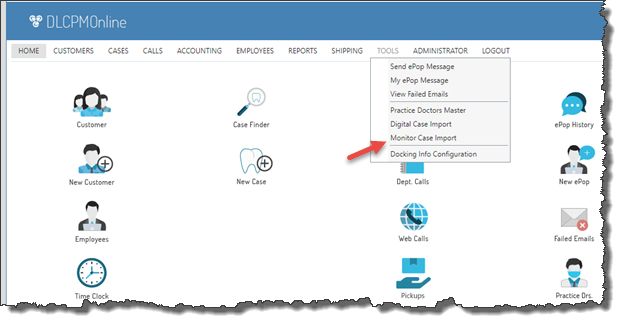
Monitor Case Import navigation
Within the details of each log, the status of the record will display as follows:
•Transferring: This means the client is uploading it to the server
•Transferred: This means the upload is complete, waiting for the server to process
•Processing: This means that server is processing that file
•Failed: This means the upload failed and will need to be processed manually
•Success: This means the case has been imported and ready to be accepted.
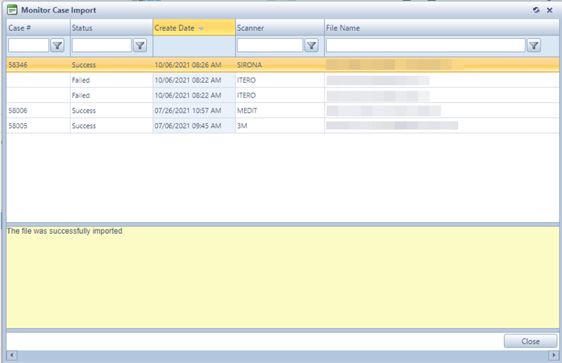
Monitor Case Import
See also: